
How to Check Valid Turnover at PANALOCLUB
I
1 min read
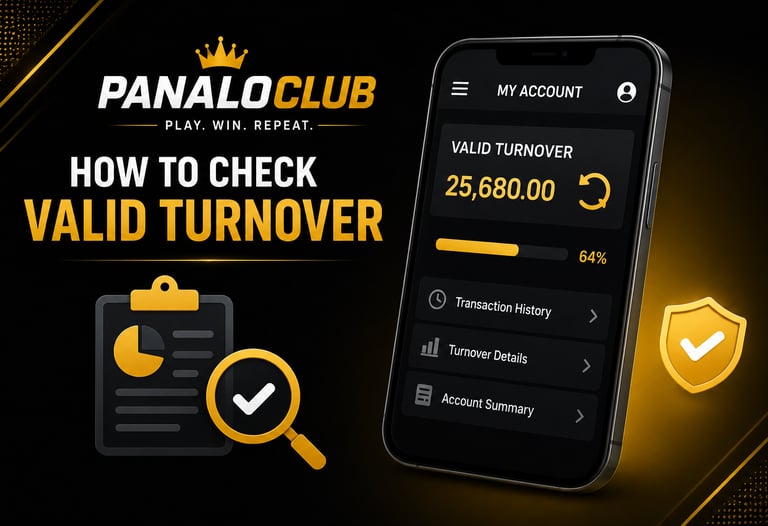
Checking your valid turnover at PANALOCLUB is simple and can be done directly through your account dashboard. By regularly monitoring your turnover, you can stay informed about your account activity and better understand your progress toward any applicable requirements.
To begin, log in to your PANALOCLUB account using your registered username and password. Once logged in, navigate to the Account, Profile, Transaction History, or Turnover section, depending on the platform layout available to you.
Within the account dashboard, you may find information regarding:
Total account activity
Transaction records
Turnover progress
Account history
Platform activity summaries
Review the displayed information carefully to understand your current valid turnover status. If your account is participating in a specific promotion or activity, there may be additional turnover requirements that need to be completed before certain actions can be processed.
It is recommended to regularly monitor your account activity to stay updated on your turnover progress. This can help you better manage your account and avoid confusion regarding account requirements or platform conditions.
If you are unable to locate your valid turnover information or have questions regarding how turnover is calculated, the customer support team at PANALOCLUB is available 24/7 to assist you. Support representatives can help explain account details and provide guidance regarding turnover-related inquiries.
At PANALOCLUB, transparency and convenience remain priorities. By checking your valid turnover regularly, you can stay informed about your account activity and enjoy a smoother platform experience.
PANALOCLUB – Play. Win. Repeat.
Disclaimer: PANALOCLUB is intended for individuals 21 years of age and older. Please play responsibly and enjoy gaming as a form of entertainment.
Leave Comment/ By I /June 12, 2026
Get in touch
ALL RIGHTS RESERVED 2026

Let's Talk
info@panaloclub.com.ph